
February 24, 2023 · 5 min read
Website Traffic Stats Explained
There are over 5 billion daily internet users in the world, so there's a large base of potential customers you can reach with your website. Before you can tap into that potential, you need to know whether your site is capable of attracting visitors.
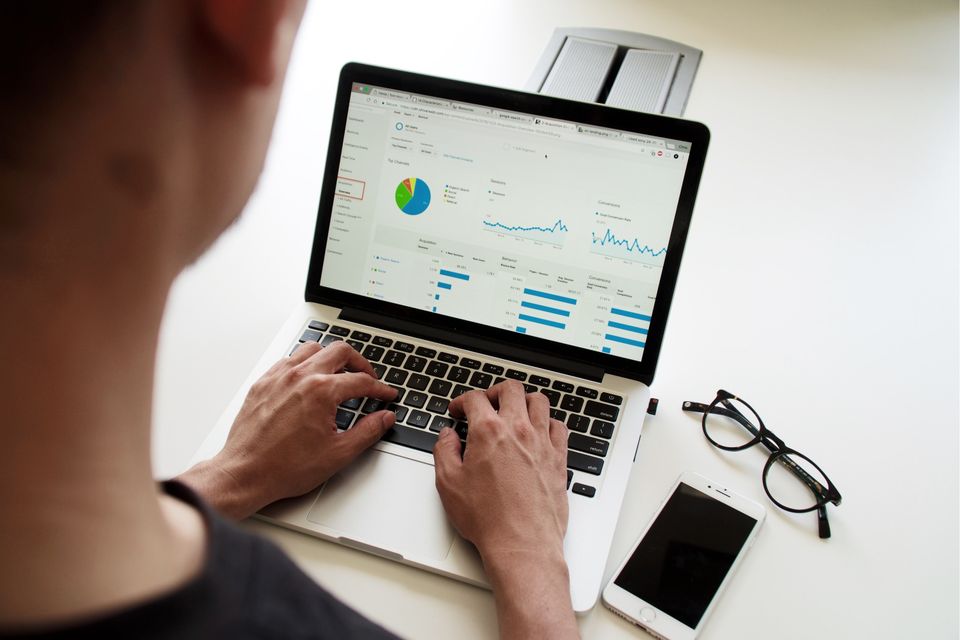
Every website we build comes with real-time traffic statistics. Most owners never look at them — which is a shame, because they're the cheapest market research you'll ever have.
The numbers that actually matter
Visitors — how many people came. Useful as a baseline, but never on its own.
Sources — where they came from. Search, direct, social, referral. If almost all your traffic is "direct", you're relying on people who already know you, and search visibility is a growth opportunity.
Top pages — what they read. If your services page is your most-visited page, that's a strong signal to write more service content.
Search terms — what people typed to find you. This is where new service pages come from.
Conversion events — form submissions, phone taps, directions. The only numbers that represent money.
Bounce rate and time on page — did they stay? If a page gets traffic and no engagement, the page is the problem, not the traffic.
Turning numbers into actions
- High traffic, low enquiries → sharpen the call to action and make contact easier.
- Enquiries but no calls → check your response time; speed wins work.
- Traffic from search but not local search → your Google Business Profile needs attention.
- Lots of mobile visits, few enquiries → the mobile experience is the weak link.
Where your Google Business Profile fits
Your website statistics tell you what happens after someone lands. Your Google Business Profile tells you what happens before — how many people saw your listing, searched for your categories, called, asked for directions or clicked through to your site. Read together, they show the full path from local search to paying customer.
Want help putting this into practice?
See what GBP reporting includes